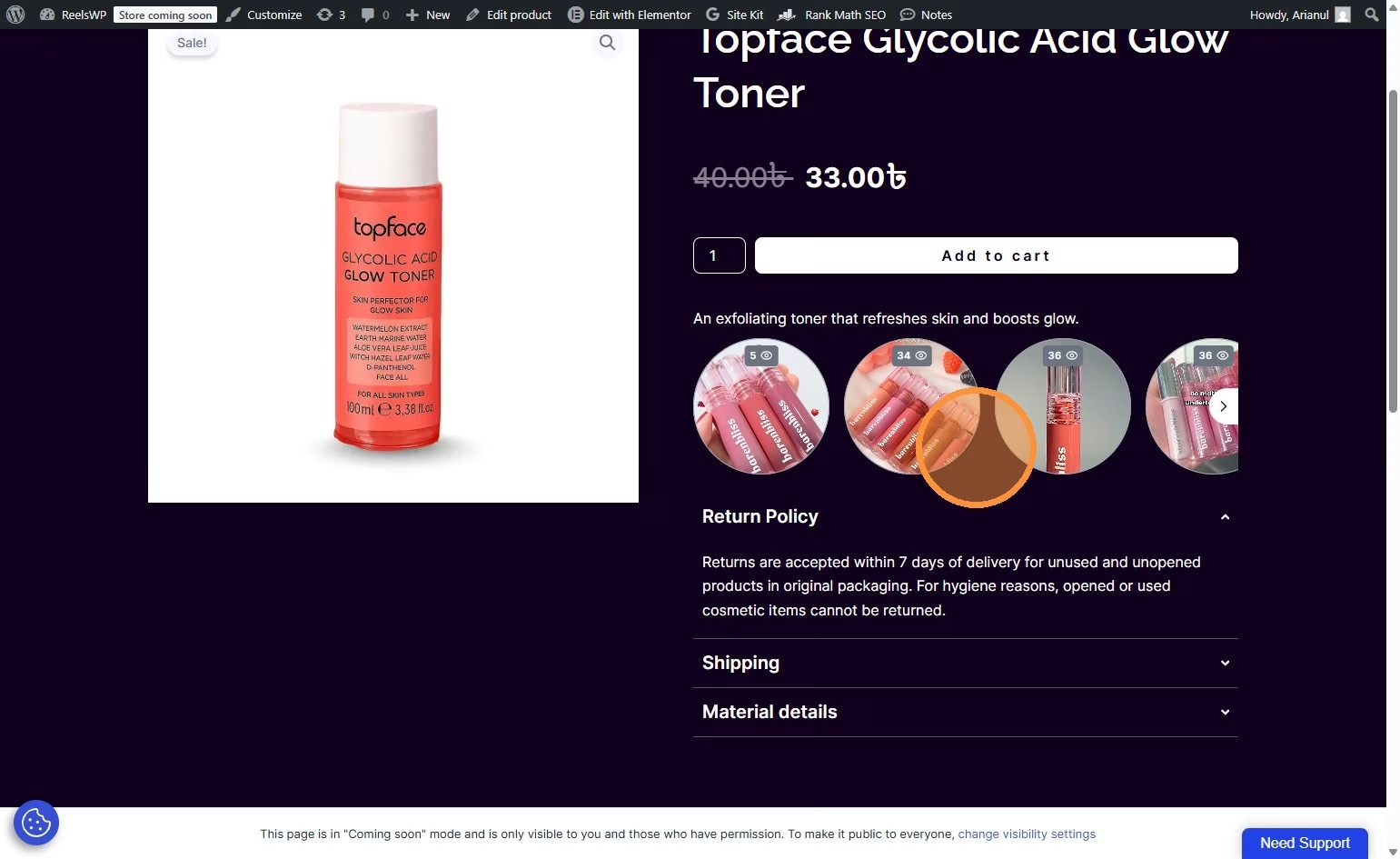
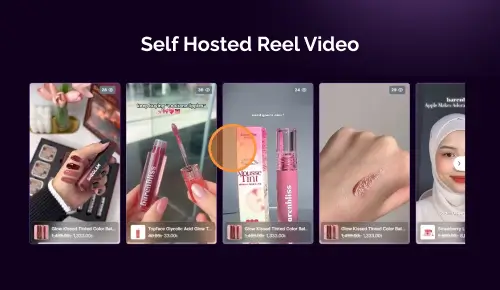
Follow these simple steps to add YouTube Shorts videos to your WordPress website using the ReelsWP Plugin.
1. Install and Activate ReelsWP
- You need the ReelsWP and ReelsWP Pro plugin installed and activated on your website.
- You can find detailed installation instructions in our dedicated installation blog post.
- Install the plugin and click Activate once the installation is complete.
2. Go to ReelsWP Dashboard
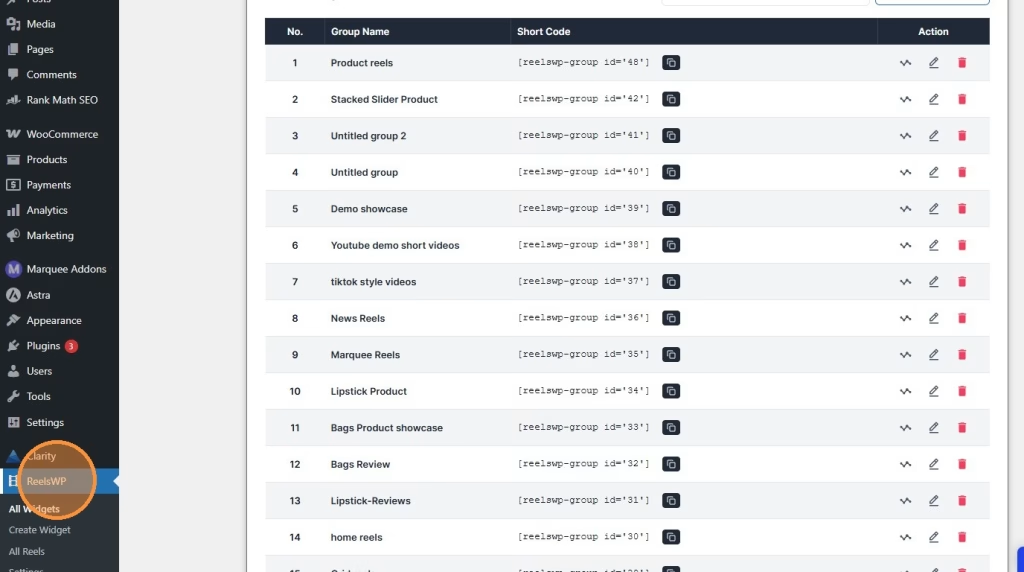
Navigate to your WordPress admin dashboard. Under the sidebar menu, click on ReelsWP to access the plugin dashboard.
3. Click “Create Widget”
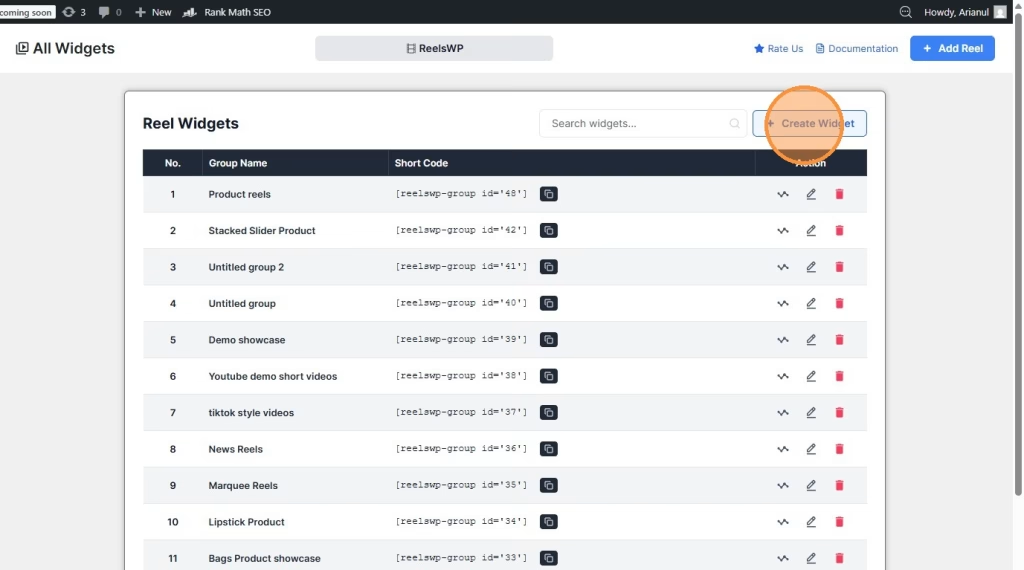
Once you’re in the ReelsWP dashboard, click on the Create Widget button. This will allow you to create a new custom video widget where you can embed your YouTube Shorts videos.
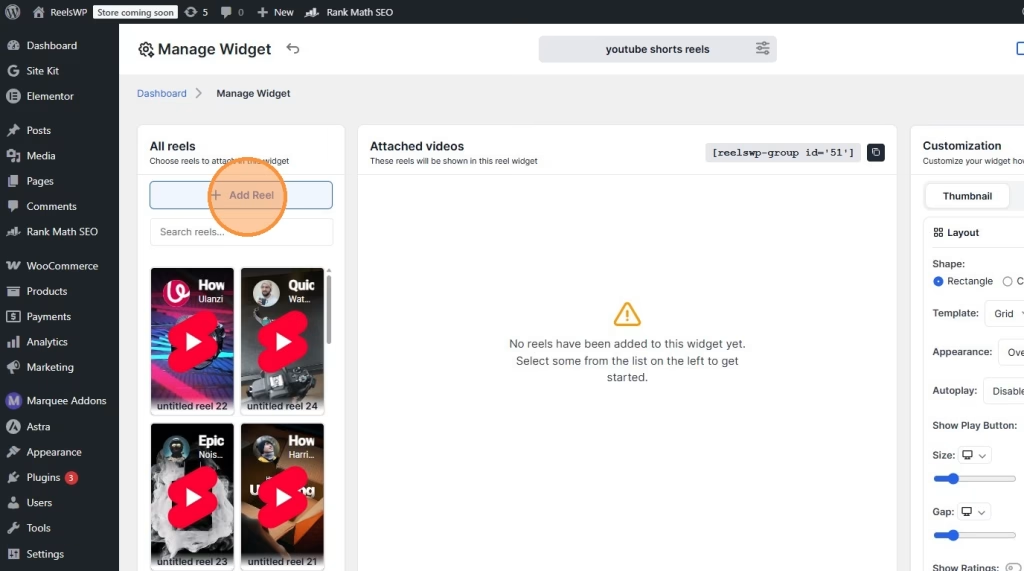
4. Click “Add Reel”
In the newly opened window, click on the Add Reel button to begin adding your first video to the widget or if you have prebuild reels you can just select them from the All reels section.
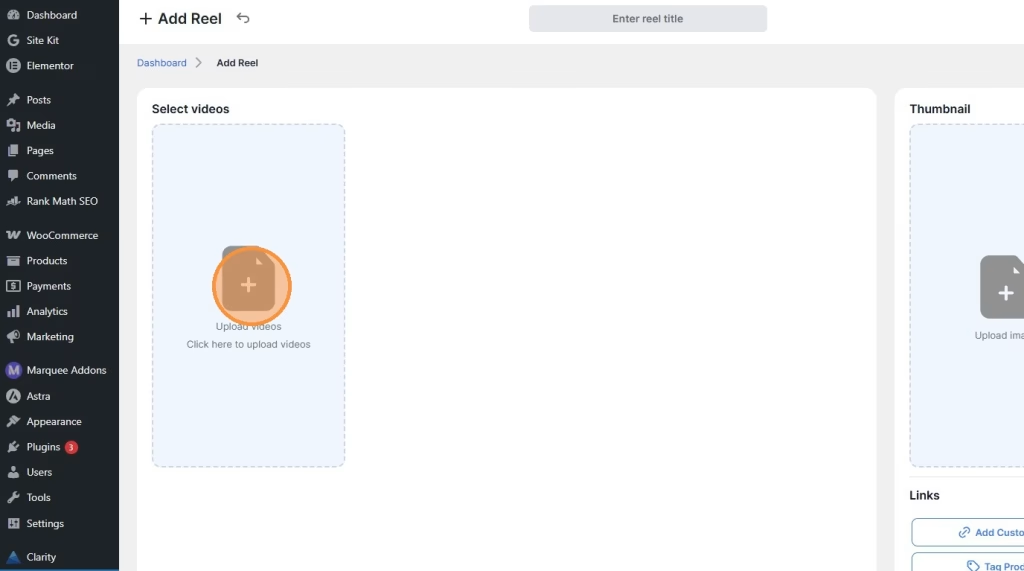
5. Click the Image Icon
Next, click the image icon within the “Select Videos” section to upload or choose videos for your widget.
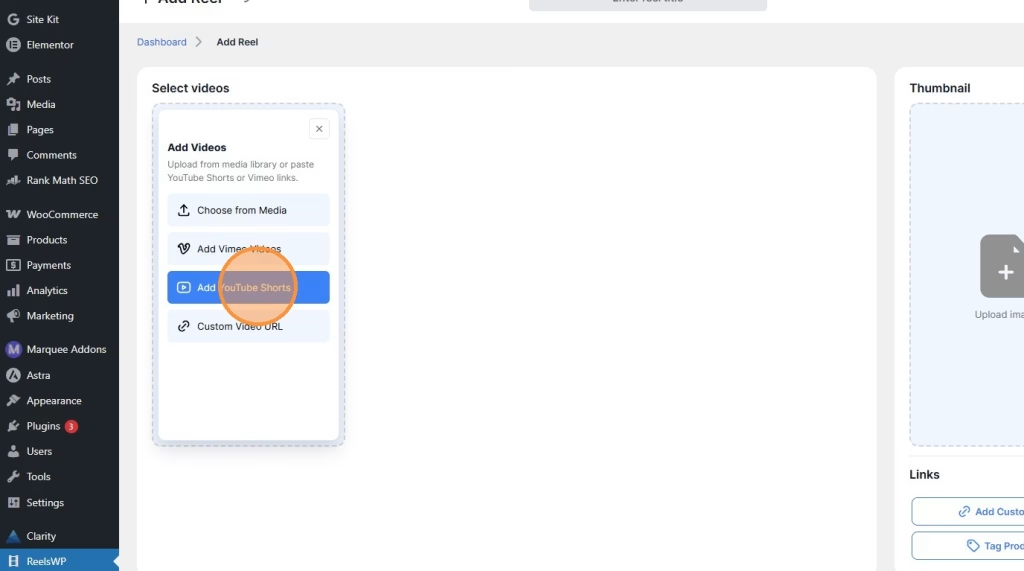
6. Click “Add YouTube Shorts”
You will see the option to add YouTube Shorts. Click on Add YouTube Shorts to add the youtube short url.
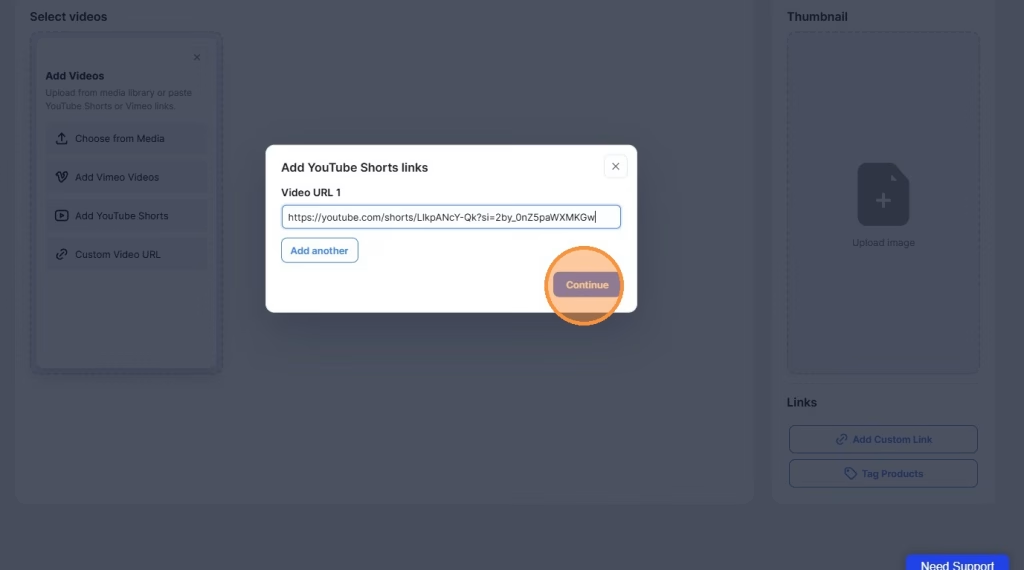
7. Click “Continue”
Once you’ve pasted your YouTube Shorts video link, click Continue to proceed to the next step.
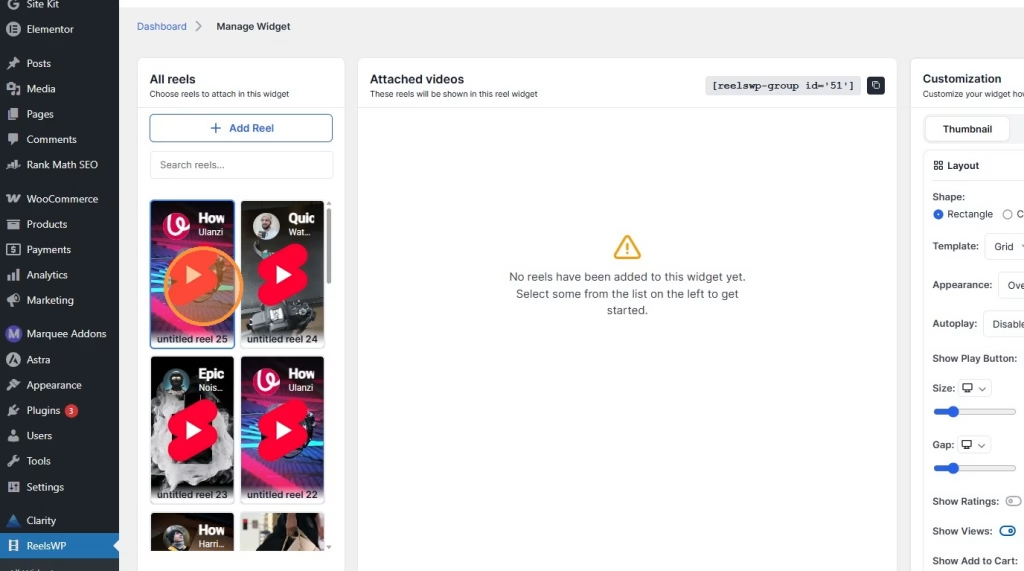
8. Select the reels
After continuing, Select the reels to finalize the selection and add the video to your widget.
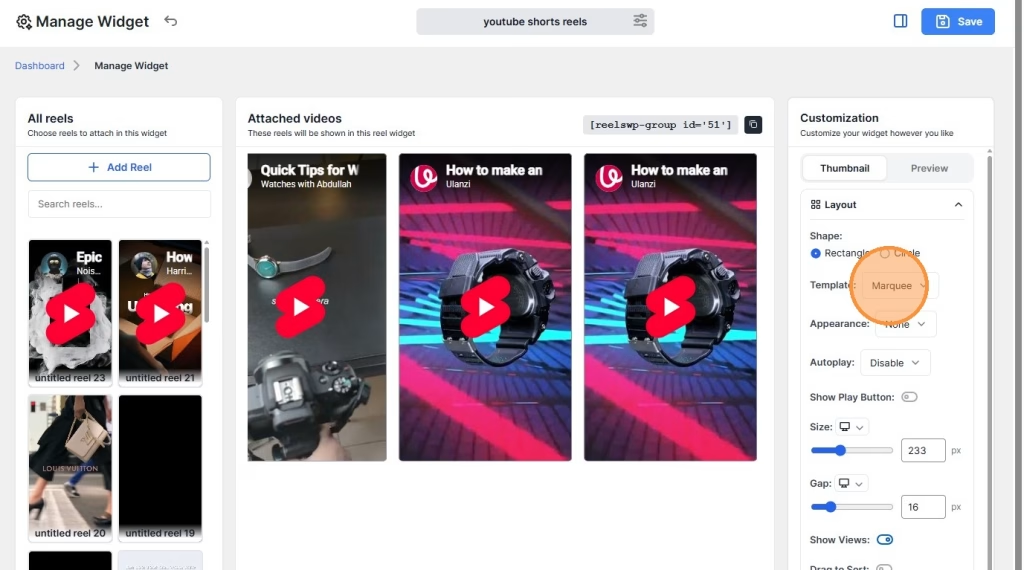
9. Edit Your Layout
Customize the layout of your widget to match your website’s design. You can adjust elements like the shape, grid, and appearance of the video thumbnails to fit your style.
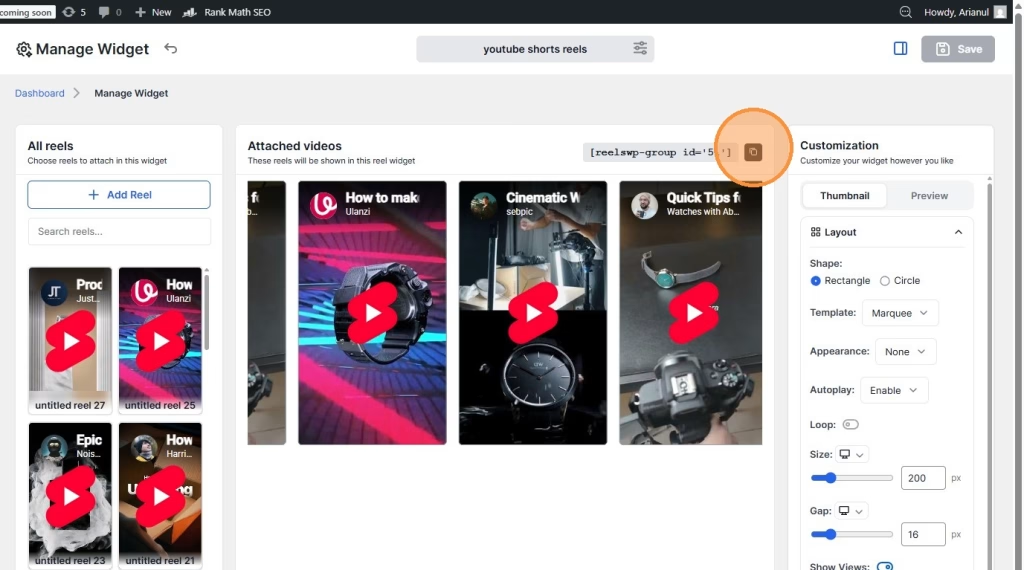
10. Copy the Shortcode
Once you have configured the widget, copy the shortcode displayed in the ReelsWP dashboard. This shortcode is used to display the widget on your product pages or posts or,
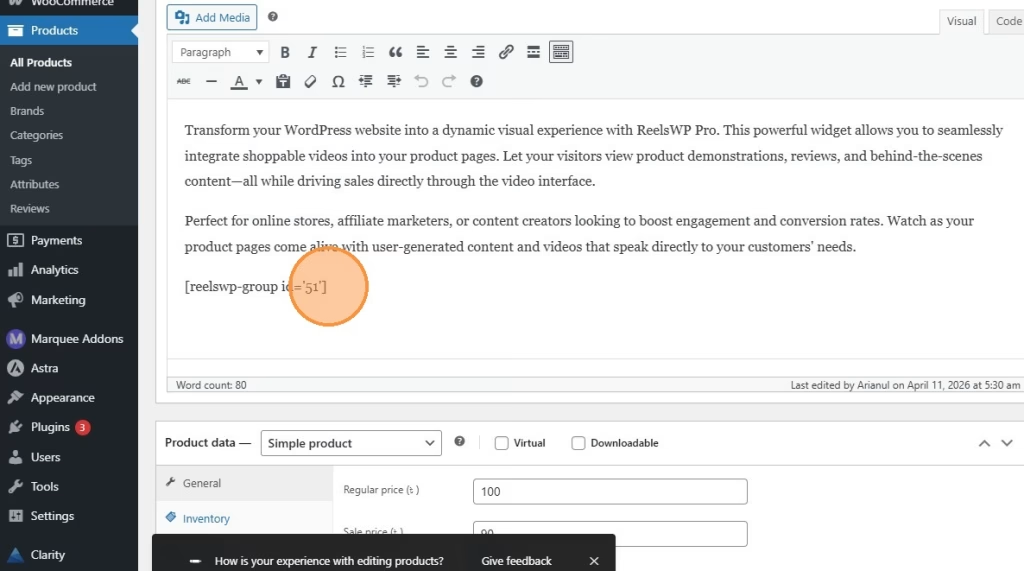
11. Paste the Shortcode to Your Content or Design
Paste the shortcode you copied into your desired content section on the WordPress page. You can also use the ReelsWP widget for Gutenberg editor and Elementor editor.
12. Preview the Design and Make Necessary Adjustments
After pasting the shortcode, preview the design to ensure everything looks good. Adjust the settings, if necessary, to ensure the videos are displayed as you like.
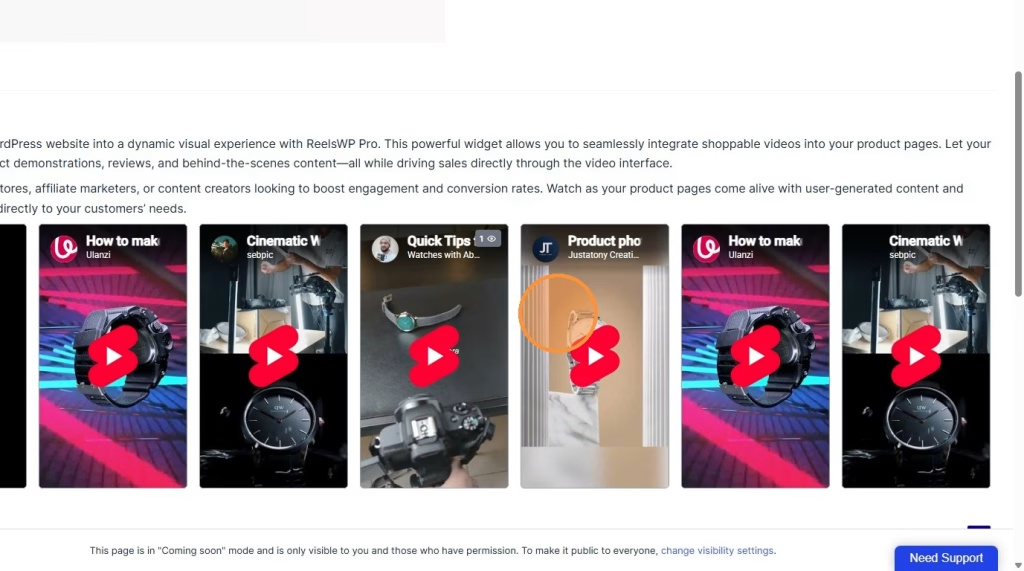
Watch the video guideline to add youtube shorts video in ReelsWP
Frequently Asked Questions (FAQ)
1. Can I use the ReelsWP widget for other types of videos besides YouTube Shorts?
Yes, the ReelsWP plugin supports various video types, including YouTube Shorts, Vimeo, and custom video URLs. You can upload or link any video that fits your content.
2. Can I customize the appearance of the ReelsWP widget?
Absolutely! You can customize the widget’s layout, video thumbnails, and appearance using the ReelsWP settings, making it easy to match the widget with your website’s design.
3. Does ReelsWP work with Elementor or Gutenberg?
Yes, ReelsWP is compatible with both Elementor and Gutenberg. You can easily embed the shortcode into your content using either page builder.
4. How can I control which videos are displayed in my widget?
You can select videos directly from the ReelsWP dashboard. Once videos are added to your widget, you can manage and edit them through the widget settings. Simply add, remove, or rearrange videos as needed.