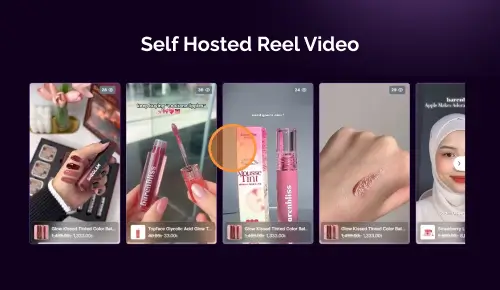
This article provides a step-by-step guide to implementing a sticky floating video popup in WordPress using the ReelsWP plugin. Floating video popups are widely used to improve user engagement by keeping video content accessible even as visitors scroll.
You will learn how to set up the popup, control its behavior on scroll, and customize its appearance to match your website design.
Step 1: Install and Activate ReelsWP
- You need the ReelsWP and ReelsWP Pro plugin installed and activated on your website.
- You can find detailed installation instructions in our dedicated installation blog post.
- Install the plugin and click Activate once the installation is complete.
Step 2: Open the ReelsWP dashboard
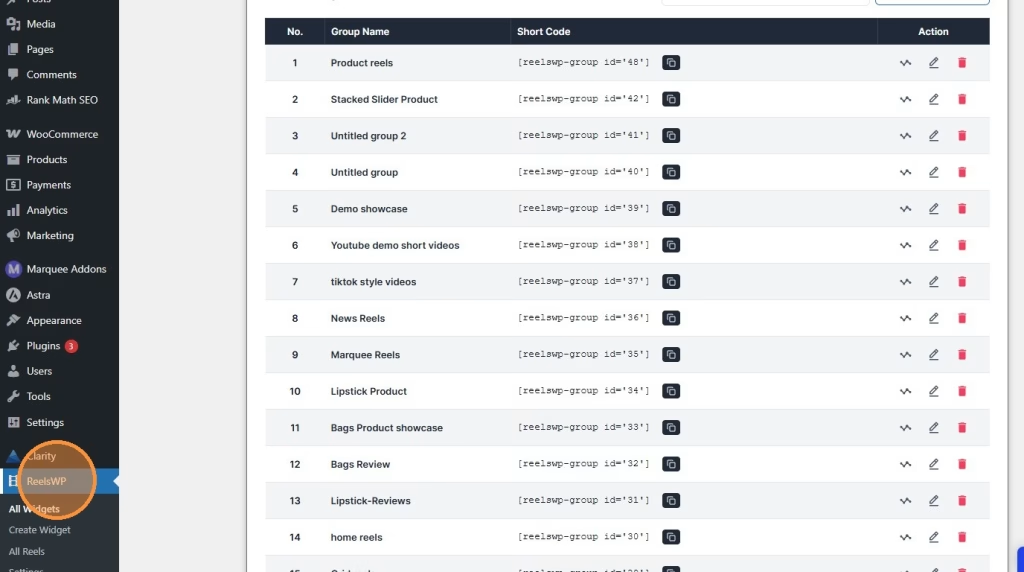
Log in to your WordPress admin area and open ReelsWP from the left sidebar. This will take you to the main widget dashboard.
Step 3: Create a new widget
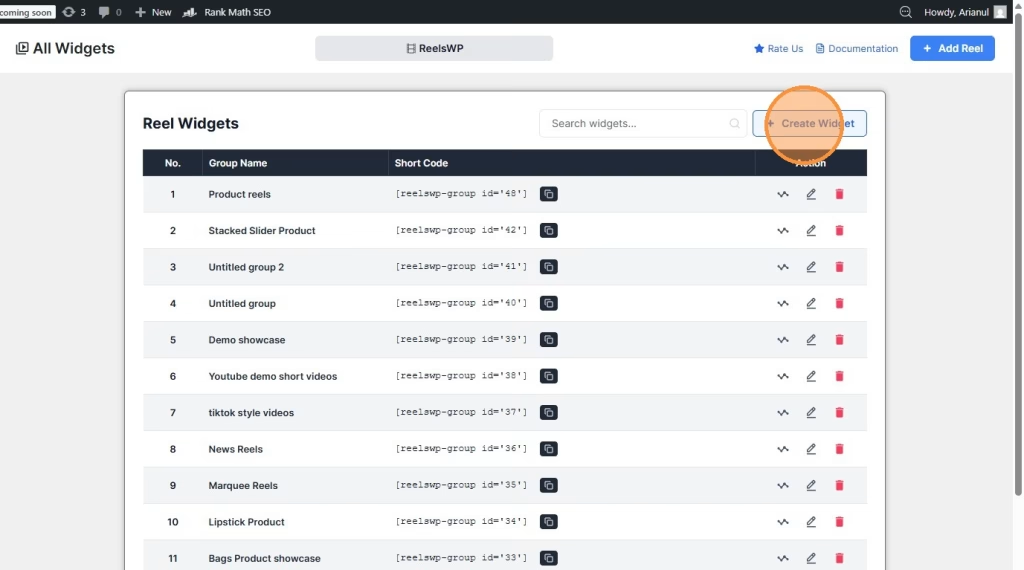
Click Create Widget to start a new reel group. This creates a fresh widget where you can attach videos and customize the layout.
Step 4: Add reels to the widget
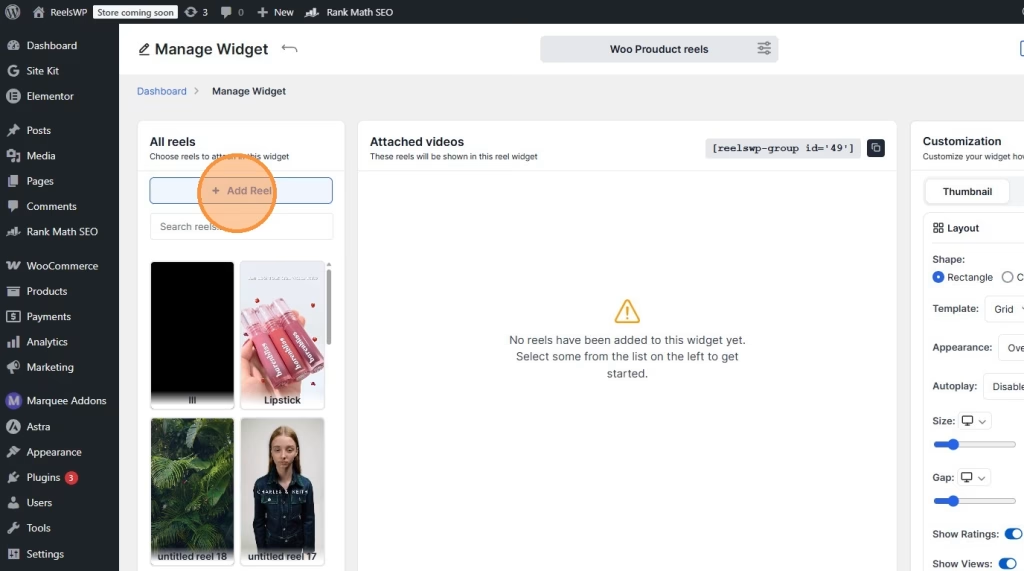
Inside the widget editor, click Add Reel. This opens your available reels so you can choose which ones you want to include in this widget.
Step 5: Select the reels you want to show
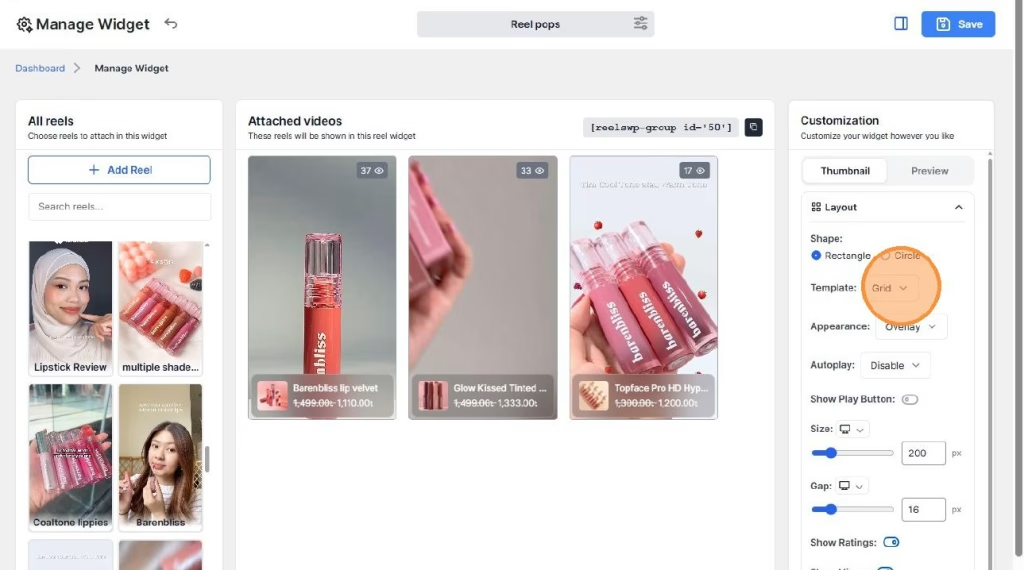
Choose the reels you want to display in the widget. Once selected, they will appear in the attached videos area.
Step 6: Choose the popup template
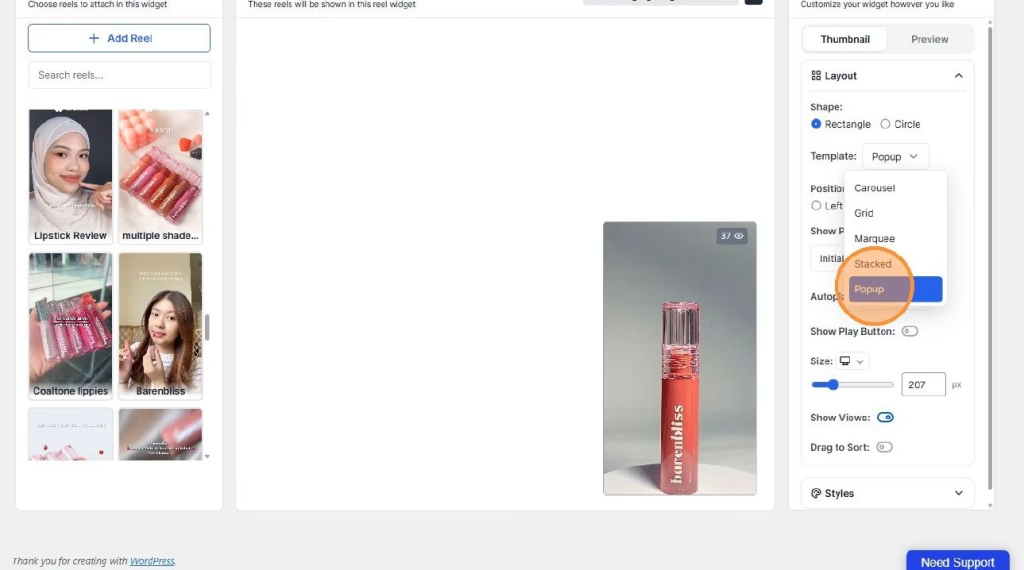
Go to the customization panel and change the Template setting to Popup. This turns the widget into a reel pop style display.
Step 7: Adjust the widget settings
After selecting the popup template, review the other available settings and adjust them based on your design needs. You may see options such as:
- shape
- position
- autoplay
- play button visibility
- size
- view count display
Set these options the way you want before publishing the widget.
Step 8: Copy the shortcode
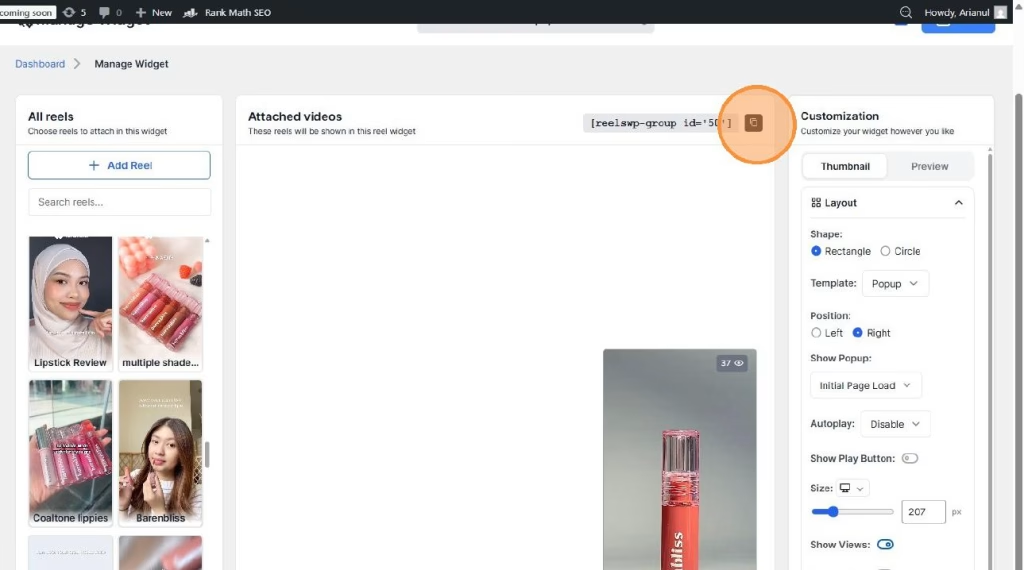
Once the widget looks right, copy the shortcode from the widget editor. You can also copy the shortcode later from the main ReelsWP widget list.
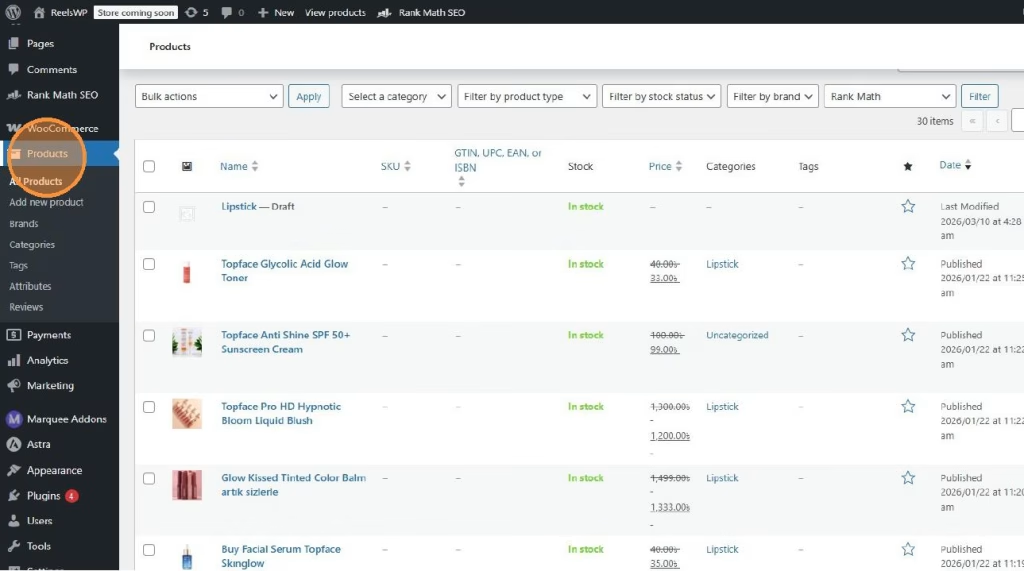
Step 9: Open the page, post, or product where you want to show it
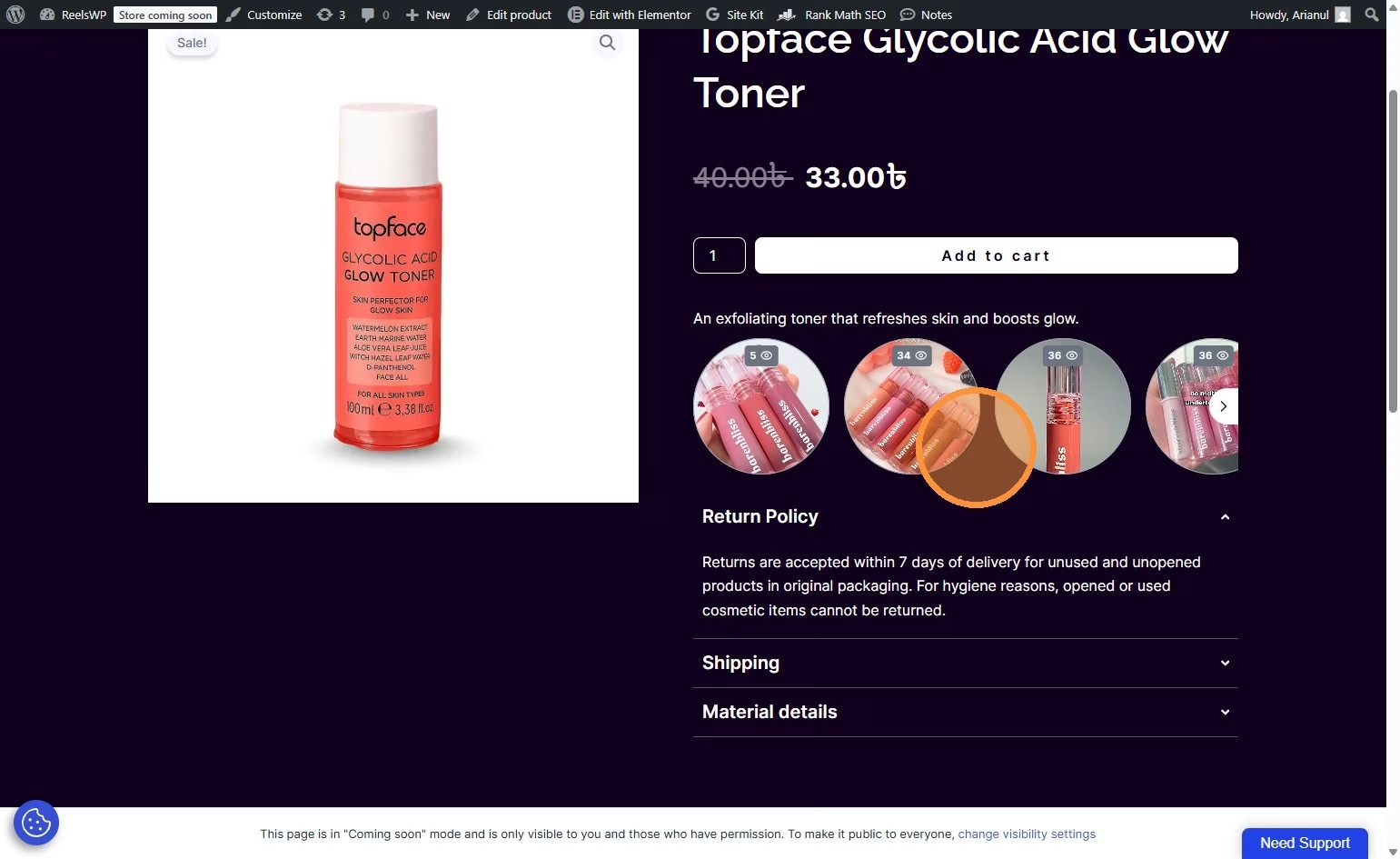
Go to the content area where you want to display the reel pops. In the example flow, the shortcode is added to a WooCommerce product page, but the same method also works for regular WordPress pages and posts.
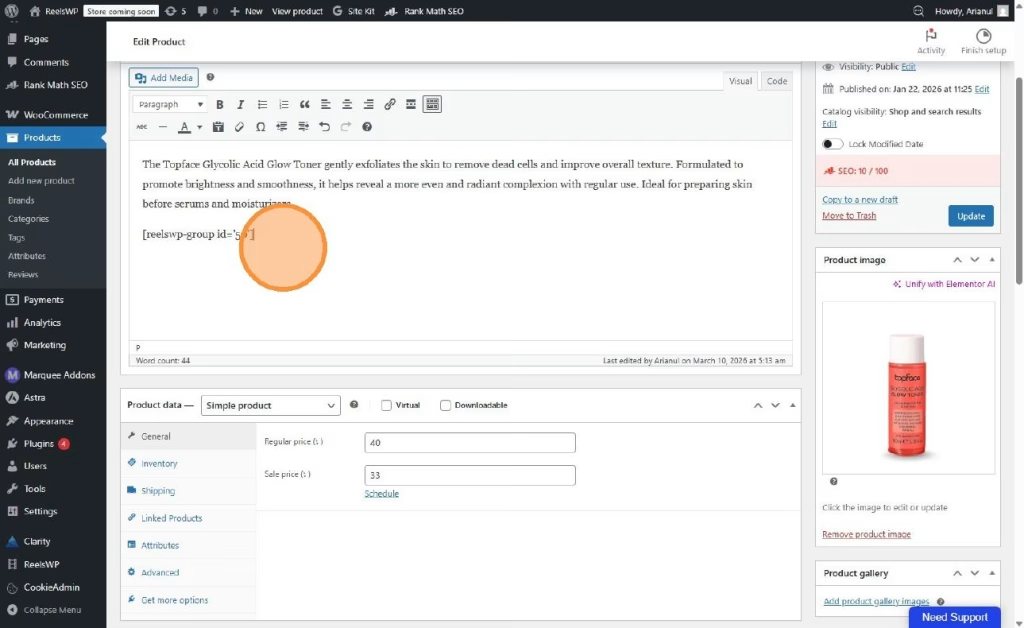
Step 10: Paste the shortcode into the content
Paste the shortcode into your content editor where you want the reel pops to appear. This can be inside:
- a product description
- a page content area
- a blog post
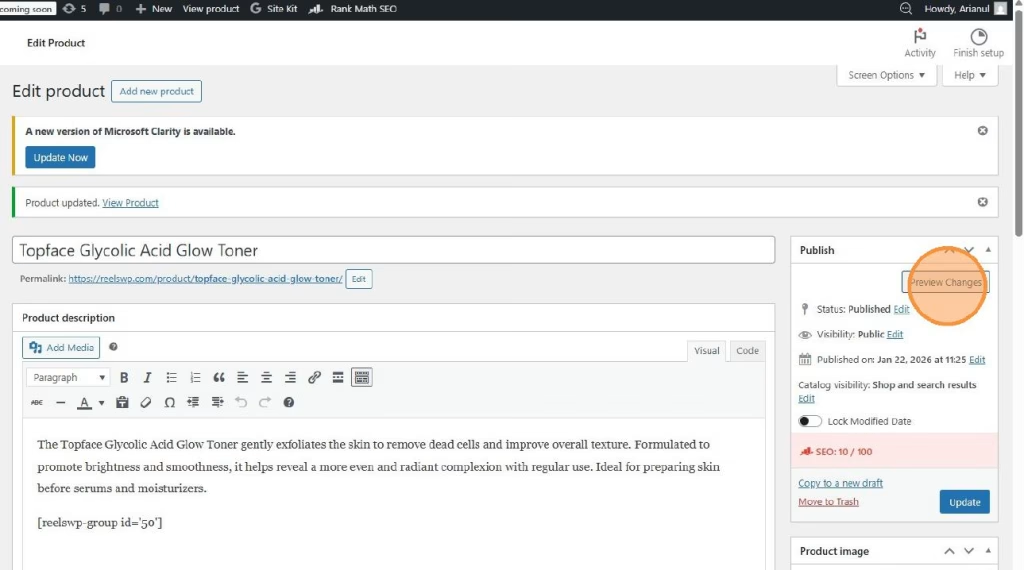
Step 11: Preview the design
Click Preview to check how the reel pops look on the front end. This helps you confirm the popup appears in the right place and matches the page design.
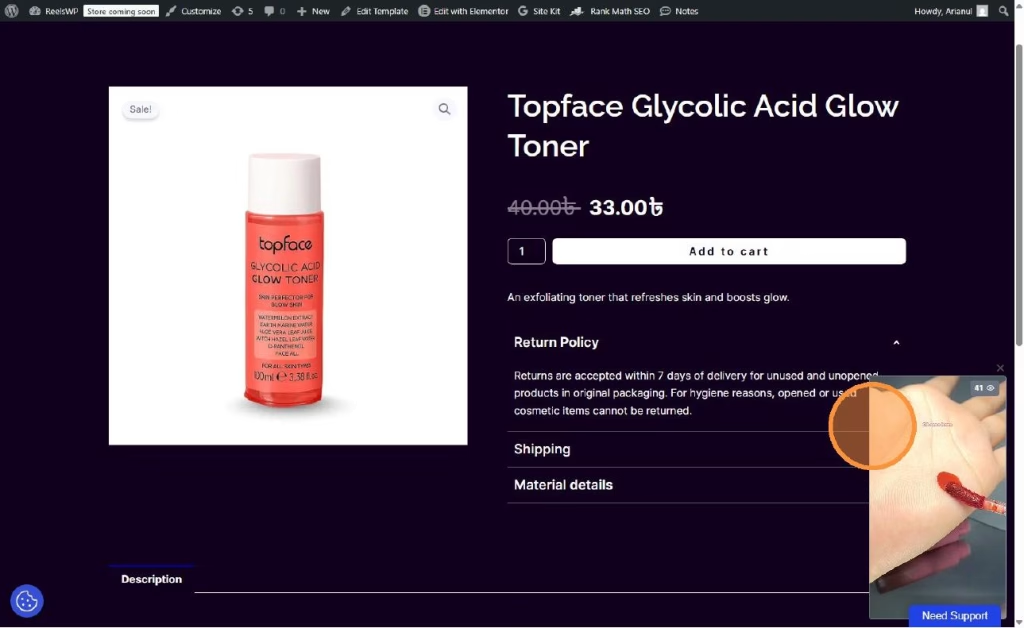
Step 12: Publish or update the content
Once everything looks good, publish or update the page, post, or product so the reel pops become visible to visitors.
Watch the video guideline to sticky floating video popup in ReelsWP
FAQs
1) What is a reel pop in ReelsWP?
A reel pop is a popup-style video display that appears as a small floating or positioned reel widget on the page.
2) Do I need to use WooCommerce for reel pops?
No. You can use reel pops on WooCommerce product pages, regular WordPress pages, or blog posts.
3) Where do I find the popup layout option?
You can find it inside the widget customization panel under the Template setting. Select Popup to enable reel pops.
4) Can I add more than one reel to a reel pop widget?
Yes. You can attach multiple reels to the same widget and show them together in the popup-style layout.
5) Where can I place the shortcode?
You can paste the shortcode into any supported content area, including product descriptions, posts, pages, or shortcode blocks.
6) Can I copy the shortcode later?
Yes. You can copy it directly from the widget editor or from the main ReelsWP dashboard widget list.
7) Can I control the popup size and position?
Yes. The customization panel includes layout settings like size and position, so you can adjust the look based on your page design.
8) Why is my reel pop not showing on the page?
Check that:
- the widget is saved
- the correct shortcode is copied
- the page or product is updated after adding it
9) Can I preview the reel pop before publishing?
Yes. Use the Preview option to see how it looks before making it live.
10) Can I use reel pops for product promotion?
Yes. Reel pops work especially well for product videos, offers, demos, and quick promotional content because they stay visible and grab attention.