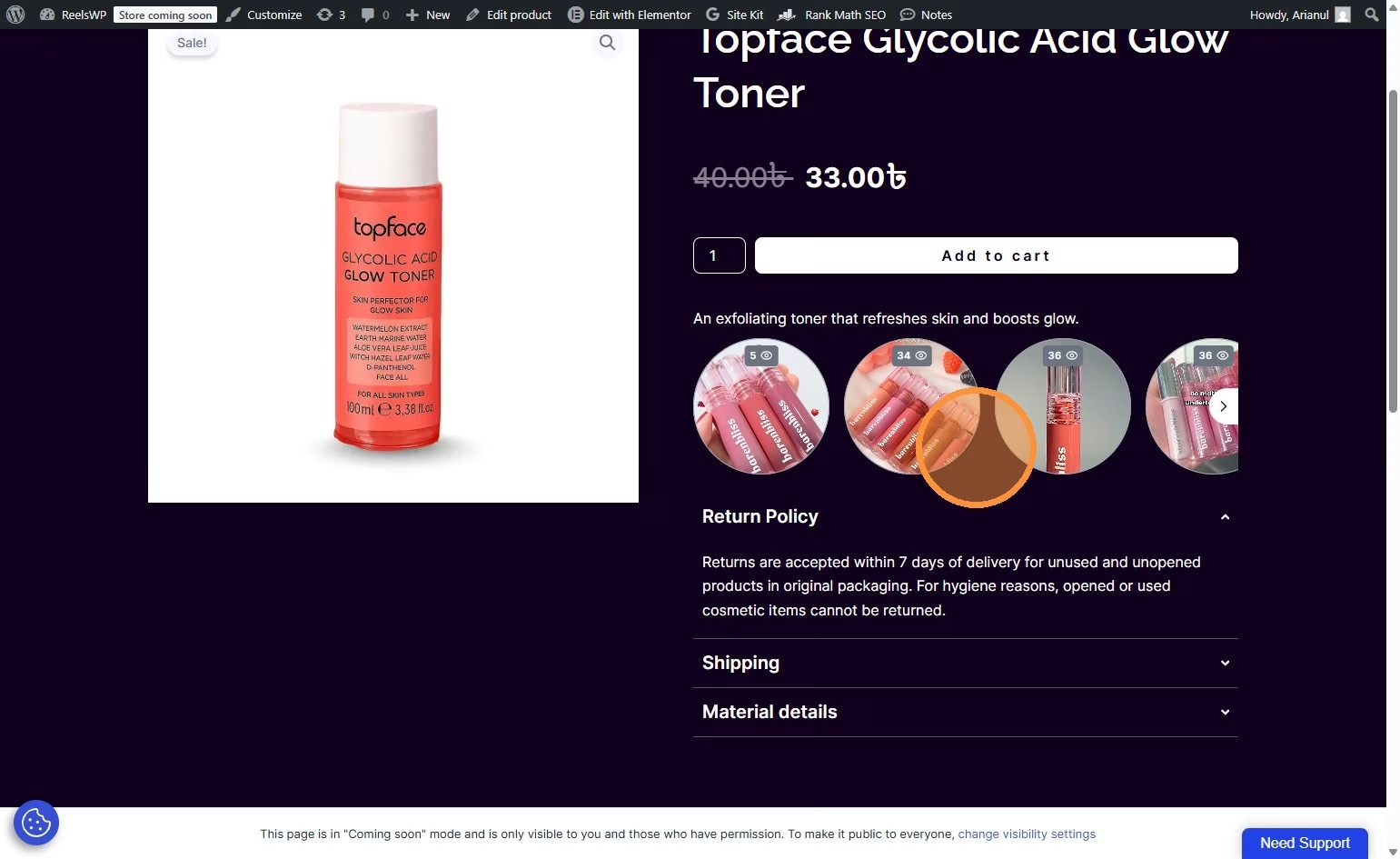
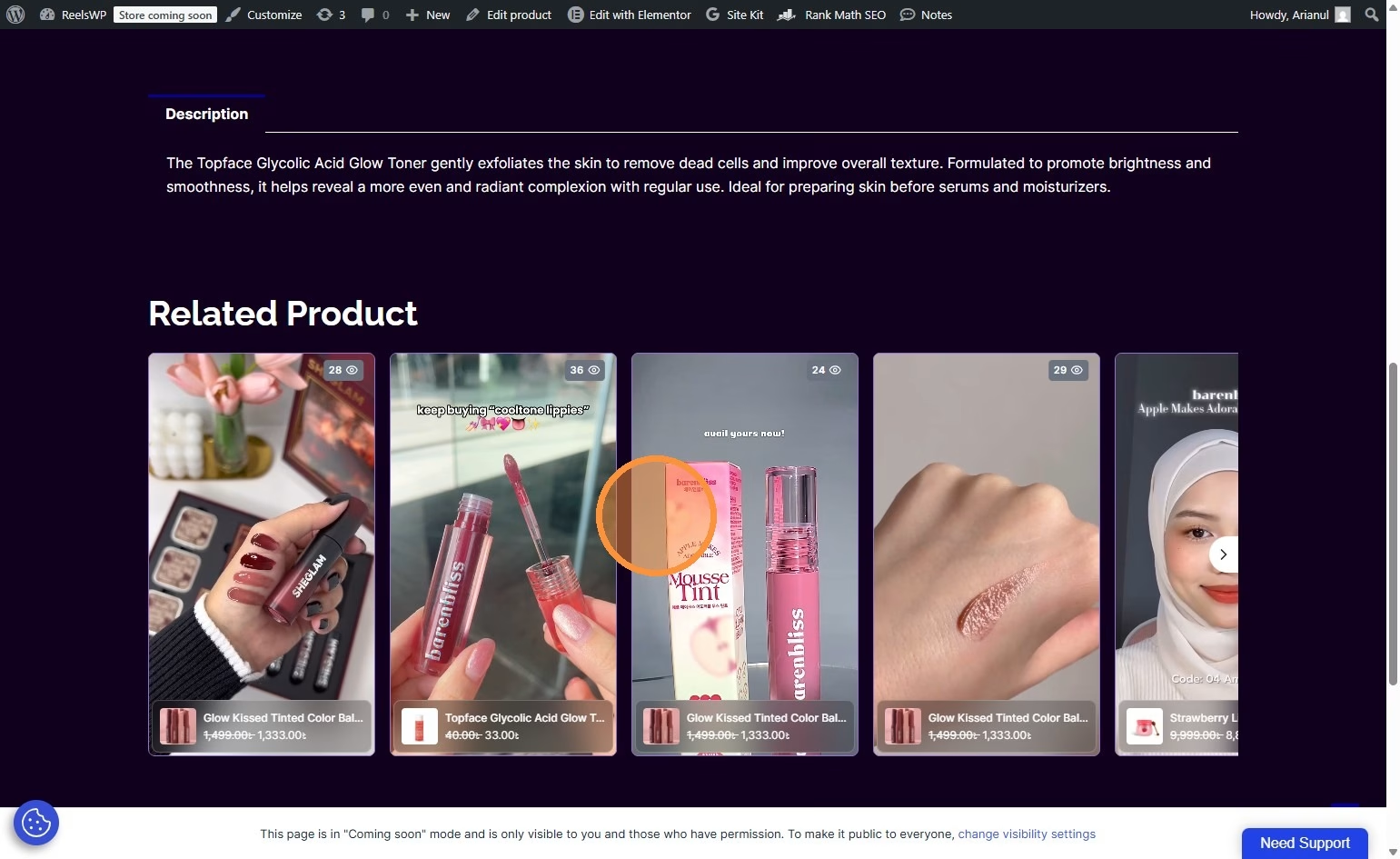
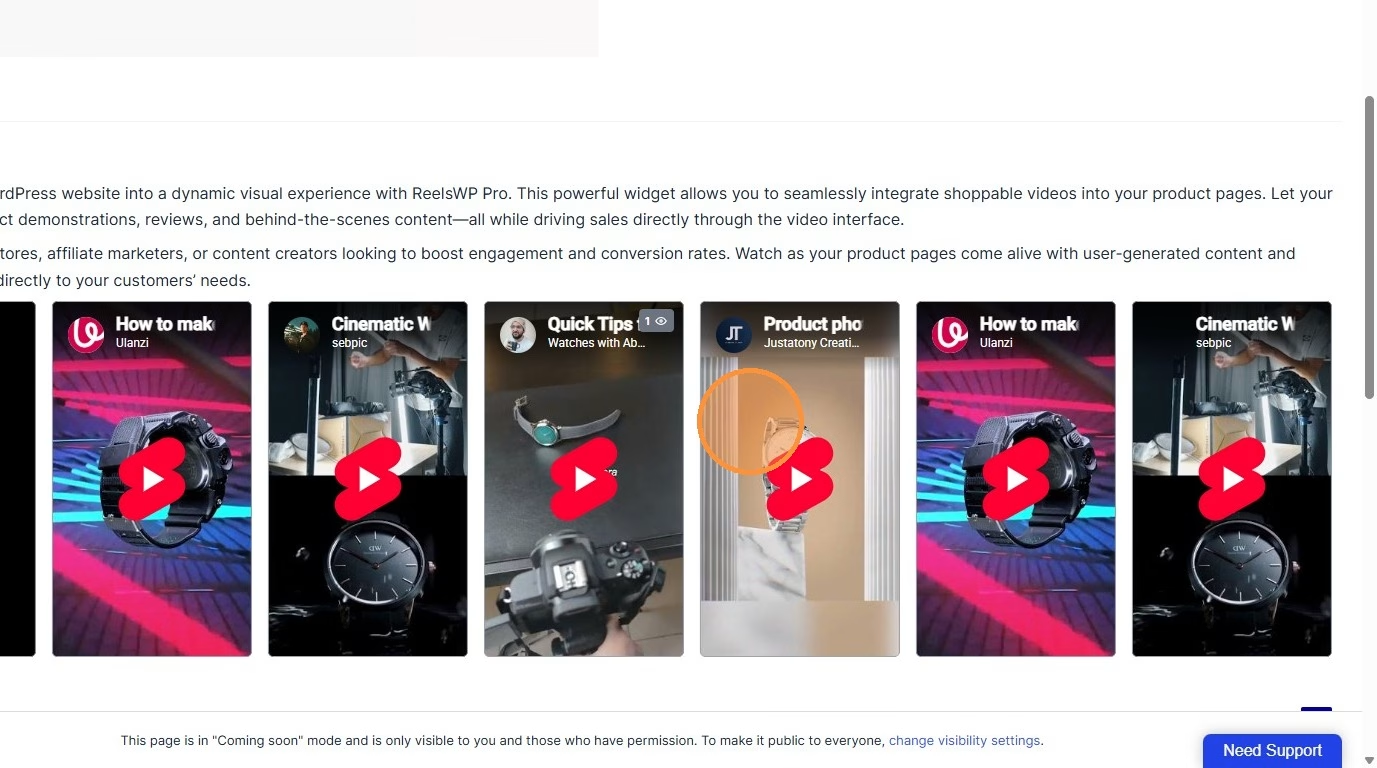
Adding a UGC (User-Generated Content) video carousel to your WooCommerce store is a powerful way to build trust and increase conversions. With a carousel layout, you can display multiple customer review videos, testimonials, or unboxing clips in a smooth, scrollable format.
This guide will walk you through the complete process of creating and publishing a UGC Video Carousel using ReelsWP and Elementor.
Step-by-Step Process of Create a UGC Video Carousel in WooCommerce
Step 1: Open the ReelsWP Dashboard
- Log in to your WordPress admin panel.
- Click on ReelsWP from the dashboard menu.
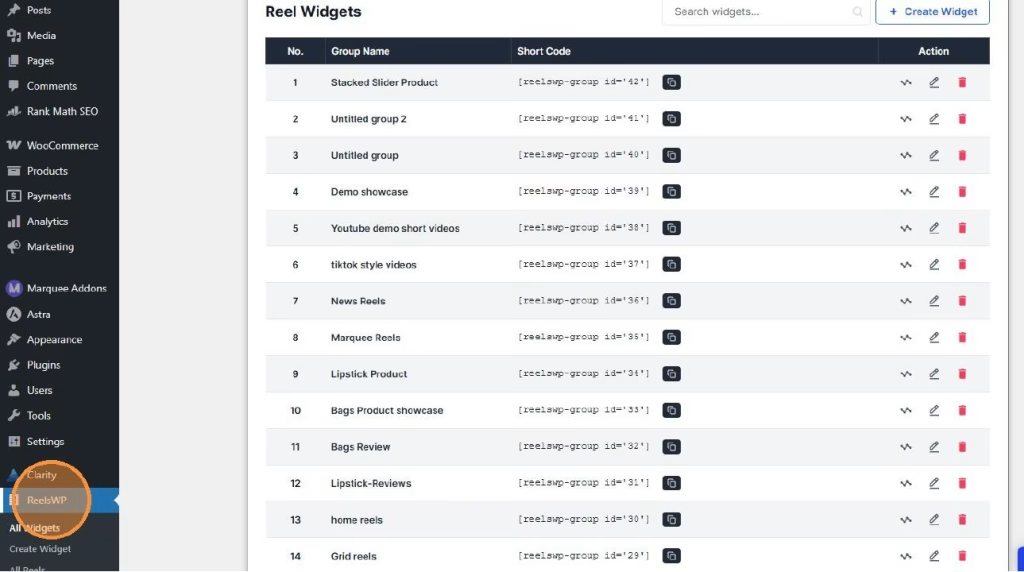
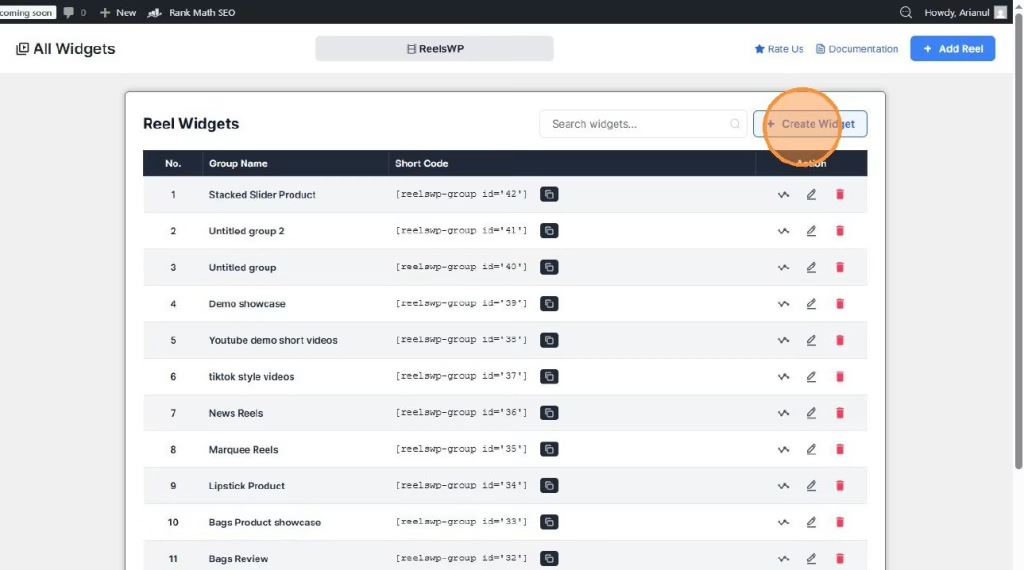
Step 2: Create a New Carousel Widget
- Click on “Create Widget.”
- This will create a new reel group where your UGC videos will be added.
Step 3: Add UGC Reels
- Click “Add Reel.”
- Upload or select the UGC videos you want to showcase (customer reviews, product usage clips, testimonials, etc.).
💡 Tip: Use short, authentic videos (15–30 seconds) for better engagement.
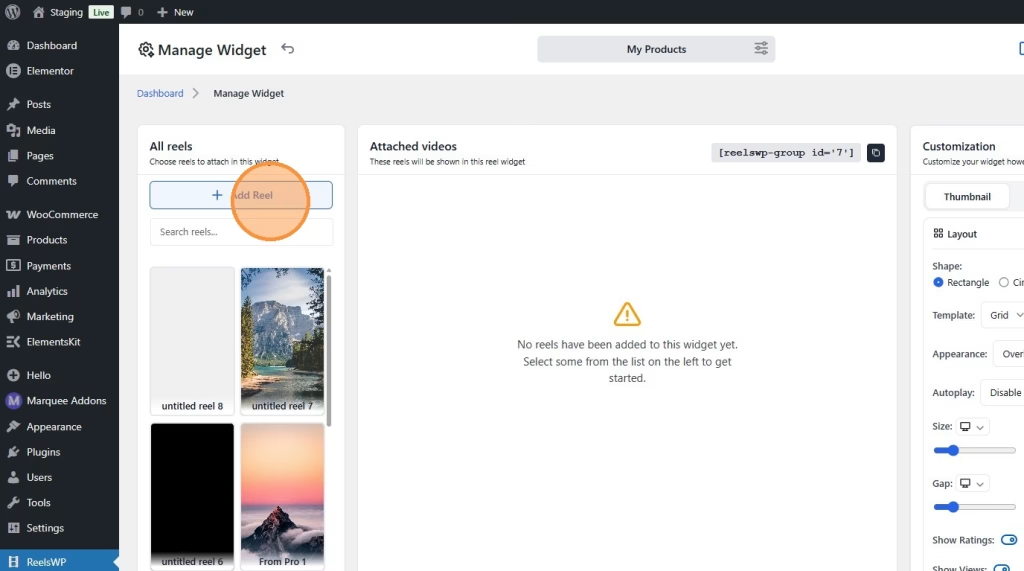
- or, Select the reels you want to display in this group.
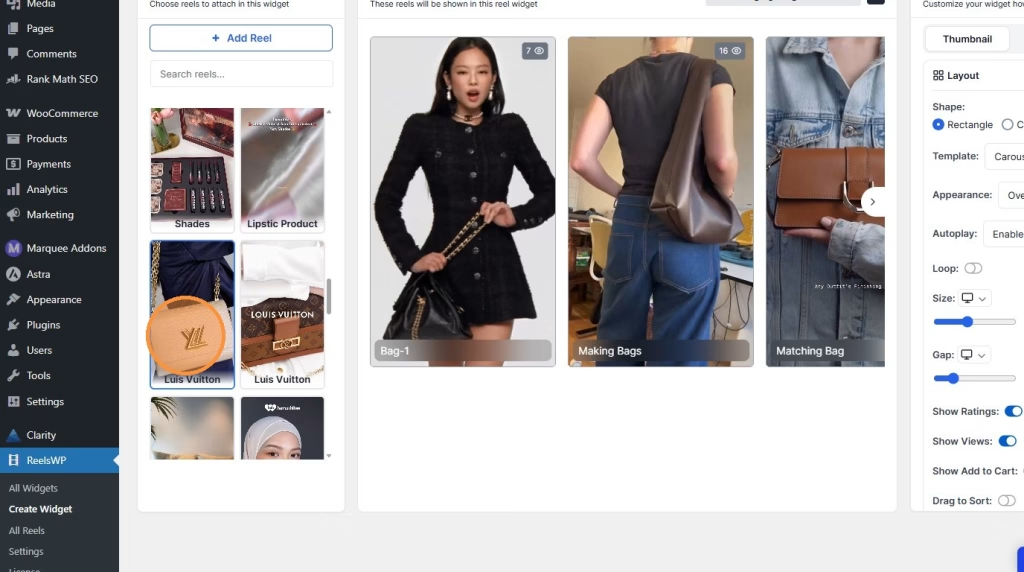
Step 4: Customize the Layout
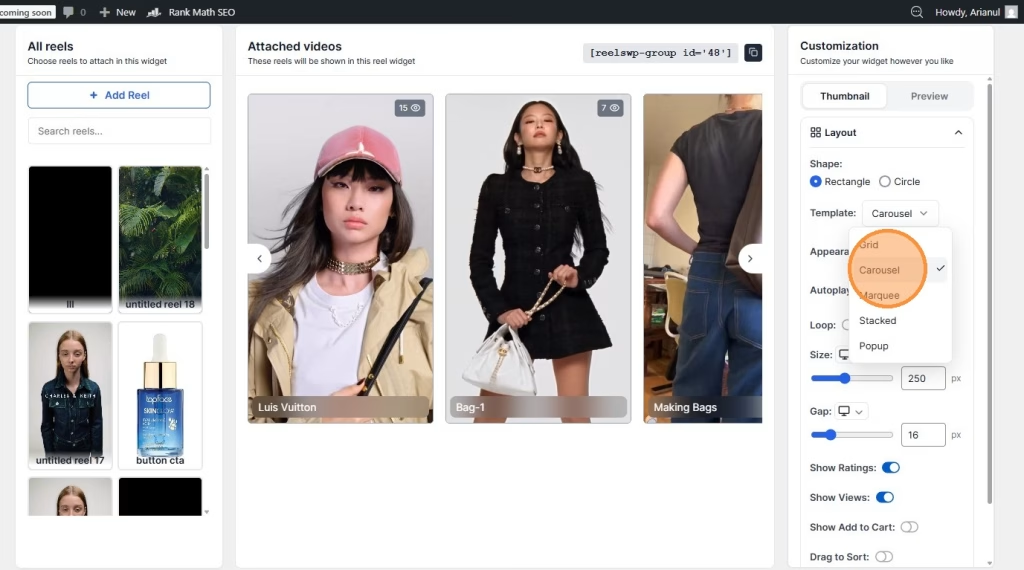
- Choose your preferred layout style (Carousel).
- Adjust design settings such as:
- Spacing
- Thumbnail style
- Overlay options
- Navigation arrows
- Autoplay settings
Make sure the design matches your brand identity.
Step 5: Save the Widget
- Click “Save.”
- Your UGC Video group is now ready.
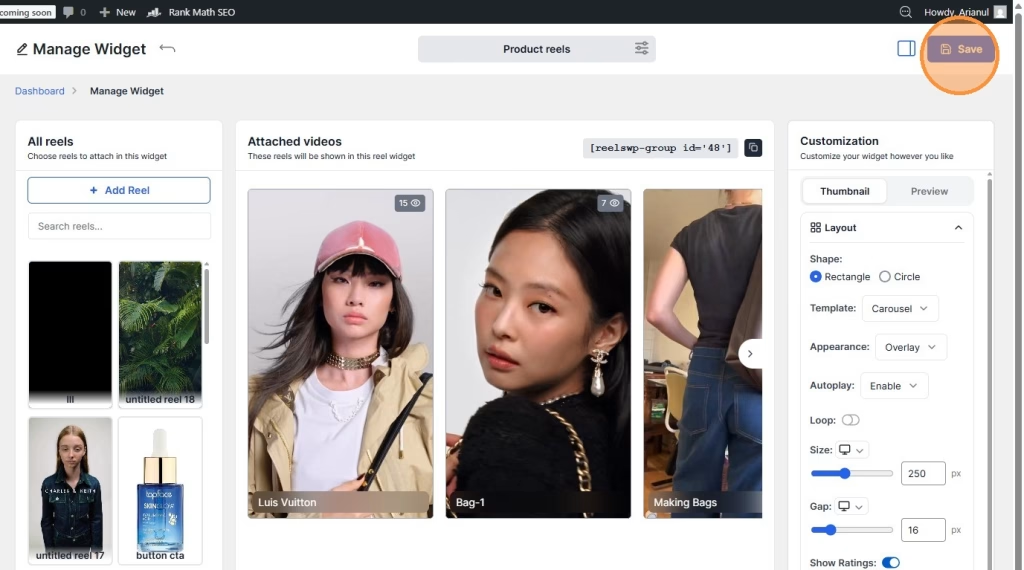
Step 6: Add the group to Your WooCommerce Page Using Shortcode
- Copy the generated shortcode.
- Paste it into your product page, landing page, or any section where you want the group to appear.
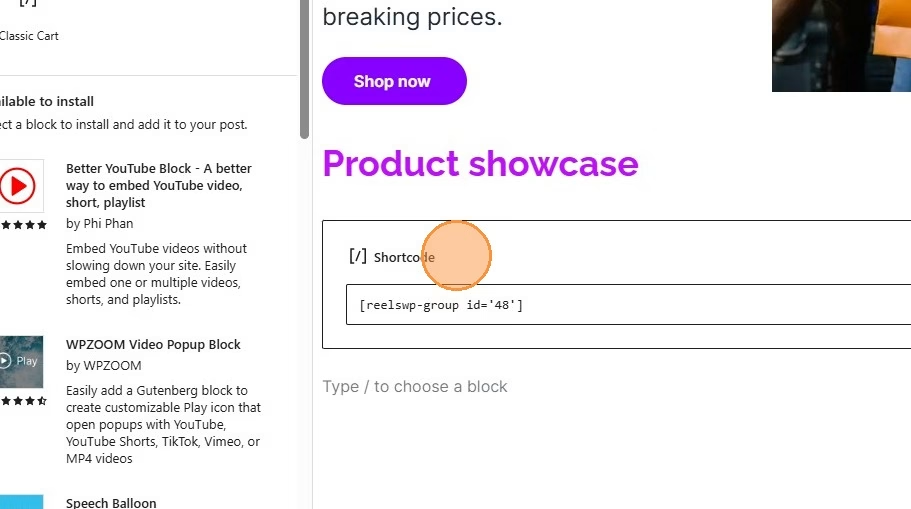
Step 7: Publish and Preview
- Click “Publish.”
- Preview the page.
- Test the carousel on desktop and mobile devices.
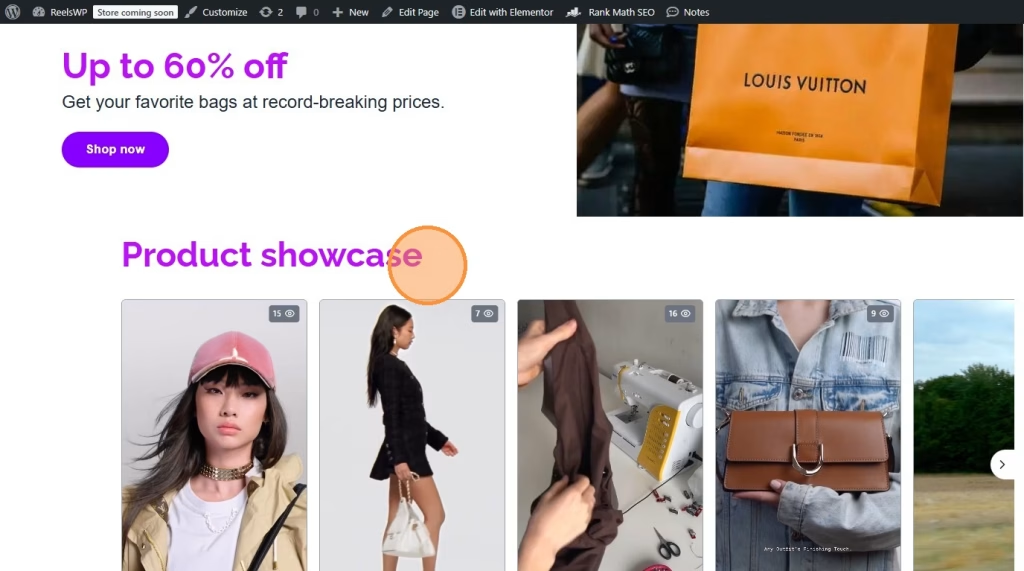
✅ Your UGC Video Carousel is now live on your WooCommerce store.
Frequently Asked Questions (FAQ)
1. What is a UGC Video Carousel?
A UGC Video Carousel is a sliding video section that displays customer-generated videos such as reviews, testimonials, and product demos in a scrollable layout.
2. Why should I use UGC videos on my WooCommerce store?
UGC builds trust, increases engagement, and improves conversion rates because customers trust real buyers more than traditional advertisements.
3. Can I add different UGC carousels to different product pages?
Yes. You can create multiple reel groups and assign specific carousels to individual product pages.
4. Do I need Elementor to create the carousel?
You can use either:
- Shortcode method (no page builder required)
- Elementor widget method (recommended for design flexibility)
5. Will adding video carousels slow down my website?
If videos are optimized and compressed properly, performance impact will be minimal. Always use optimized media files.
6. Can I add CTA buttons inside UGC videos?
Yes. You can add custom links (e.g., Buy Now, Shop Now, View Product) to encourage direct conversions.
7. Is it mobile-friendly?
Yes. Carousel layouts are designed to work smoothly with swipe functionality on mobile devices.